When to scan a barcode instead of taking a photo
· Viral Tandel
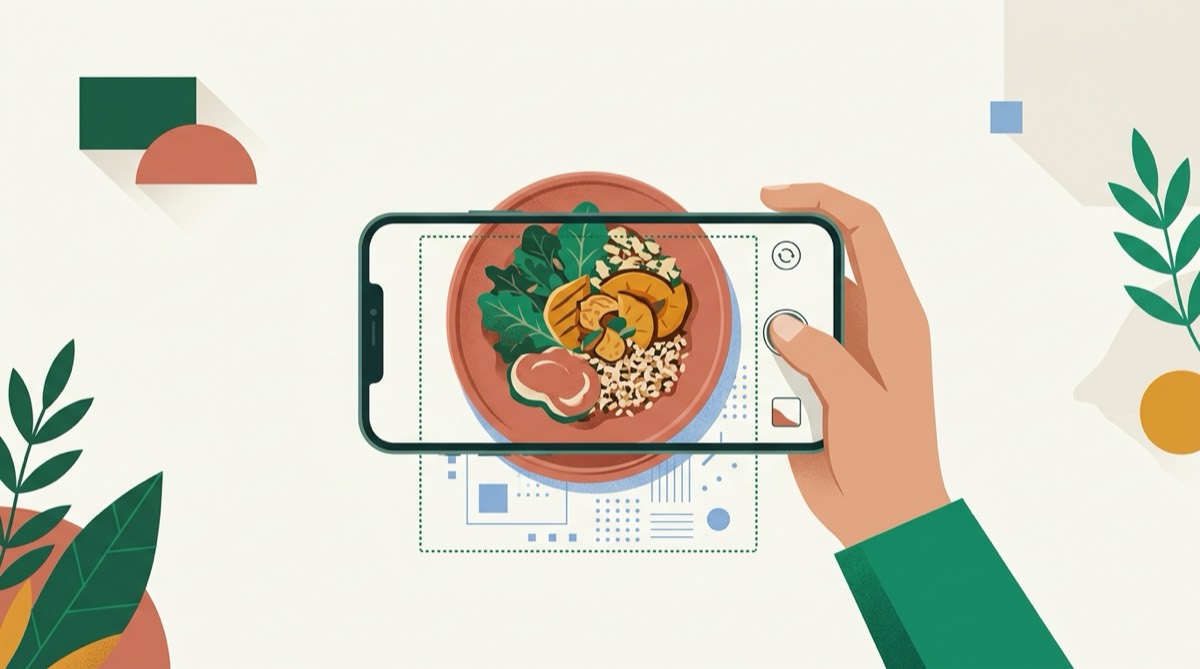
A barcode calorie scanner does something a photo cannot do: it reads a number the manufacturer already measured and printed on the package, instead of estimating one from an image. If what is in front of you has a barcode, scanning it is usually the faster move as well as the more accurate one, so it is worth building the habit of reaching for it first.
Key takeaways
- A barcode reads a manufacturer's own published figure. A photo estimates one. Scan whenever something has a barcode.
- Barcode and nutrition label scans are free and unlimited in KalTrack, on every plan, because there is no reason to ration the accurate path.
- A printed nutrition label read by camera is the fallback when a barcode will not scan, and it is still a measured figure rather than a guess.
- Photos and typed descriptions exist for what barcodes cannot cover: cooked meals, restaurant plates, anything assembled rather than packaged.
- None of this replaces judgment. A barcode gives you the package's figure; what you actually ate might be a partial serving or a different portion than the label describes.
What a barcode actually gives you
Scan a bag, a bottle or a box, and the app looks the code up against a food database, in KalTrack's case Open Food Facts, and returns the figures the brand itself published: calories, protein, carbs and fat per serving, exactly as printed on the package. Nothing about that number was inferred from what the food looks like. It was typed in by the manufacturer, or extracted from their own label, long before you opened the package.
That is a meaningfully different kind of number from a photo estimate. Why photo calorie estimates run low goes through the specific ways a picture loses information: oil that leaves no visible trace, depth a camera cannot judge, anything hidden under something else. None of those problems exist for a barcode, because there is nothing left to estimate. The work was already done.
When a photo is still the right tool
A barcode only exists for something that was manufactured and packaged. The moment food is cooked, plated or assembled, that packaging is gone and so is the barcode. A homemade dinner, a restaurant dish, a sandwich built at a counter: none of these carry a code to scan, which is exactly the gap a photo estimate is built to fill.
The two tools are not competing for the same job. A barcode measures a fixed, manufactured product. A photo estimates a variable, freshly made one. Reaching for the wrong tool, guessing at a packaged item's number by eye, or trying to scan a homemade meal, is where most of the avoidable error creeps in. How accurate are calorie counting apps covers how that accuracy gap plays out across different kinds of food in more detail.
If the barcode will not scan, try the label
Packaging gets damaged, codes get printed too small, and some products simply do not carry one. For all of those cases, reading the printed nutrition panel directly is the next best thing. It is still the manufacturer's own figure, taken straight off the box by camera rather than looked up by code, so it carries the same accuracy advantage over a photo of the food itself. It just takes an extra second because there is no database lookup to shortcut it.
A quick way to decide
- Does it have a barcode? Scan it. This is the fastest and most accurate path available.
- No working barcode, but a printed nutrition panel? Scan the label instead.
- Neither, because it was cooked, plated or handed to you without packaging? That is what a photo or a typed description is for.
- Unsure whether your photo estimate looks right? Double-check it against the portion you actually see on the plate, and read serving size estimation errors for how much a wrong size guess alone can move the number.
How KalTrack handles this
KalTrack gives you four ways to log: a photo, a barcode, a nutrition label and a typed description, because no single one of them covers everything you eat in a week. Barcode and label scans are free and unlimited, on every plan, precisely because they are the accurate path and there is no reason to gate accuracy behind a daily limit. The photo path is the one that carries a small daily allowance on the free tier, because it is the one doing the harder, more uncertain job.
The practical habit worth building is simple: before you reach for the camera to photograph a packaged item, check for a barcode first. It takes about the same amount of time and it removes the guesswork completely. Next time you are holding something with a code on it, scan it in KalTrack and compare how confident that figure feels next to a photo estimate of the same shelf.
This is general information about tracking food, not medical advice. If you are managing a health condition or working to a clinical target, talk to your doctor or a registered dietitian before changing how you eat.
Questions
Is a barcode scan always more accurate than a photo?
For anything packaged, yes. A barcode reads a figure the manufacturer already measured and printed on the label. A photo estimate is inferred from an image. Measured beats inferred whenever a measured figure is available.
What if the barcode will not scan?
Read the printed nutrition panel by camera instead. It is a slower scan but it is still the manufacturer's own figure, not an estimate, so it beats a photo of the food itself.
Does scanning a barcode cost anything in KalTrack?
No. Barcode and label scans are free and unlimited on every plan. The photo path is the one with a daily allowance, because it is the one doing the harder job of estimating.
What about a home-cooked meal with no packaging at all?
That is exactly what the photo and typed-description paths are for. A barcode calorie scanner only works when something was manufactured and labeled. Cooking is neither, so it needs a different tool.